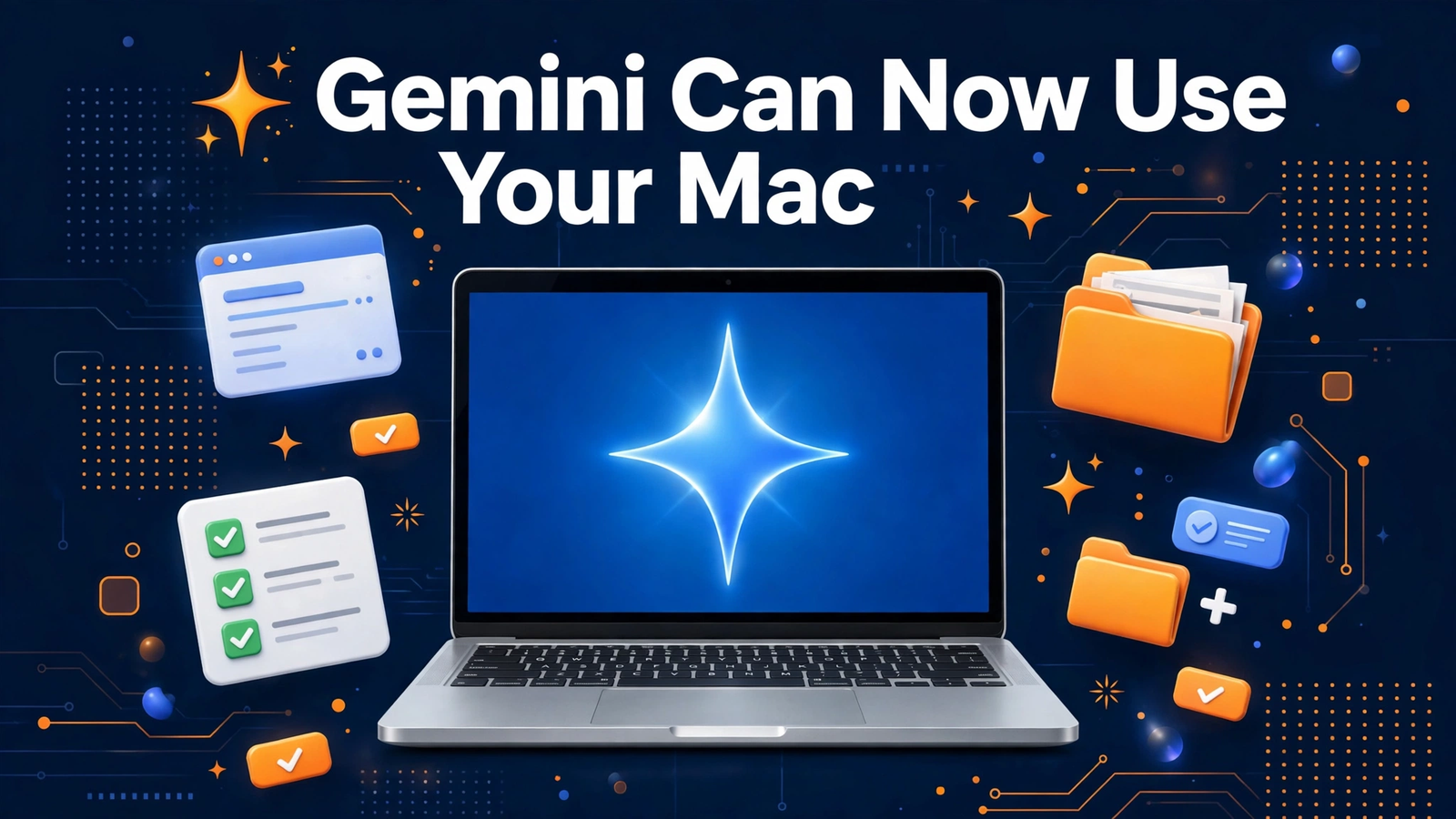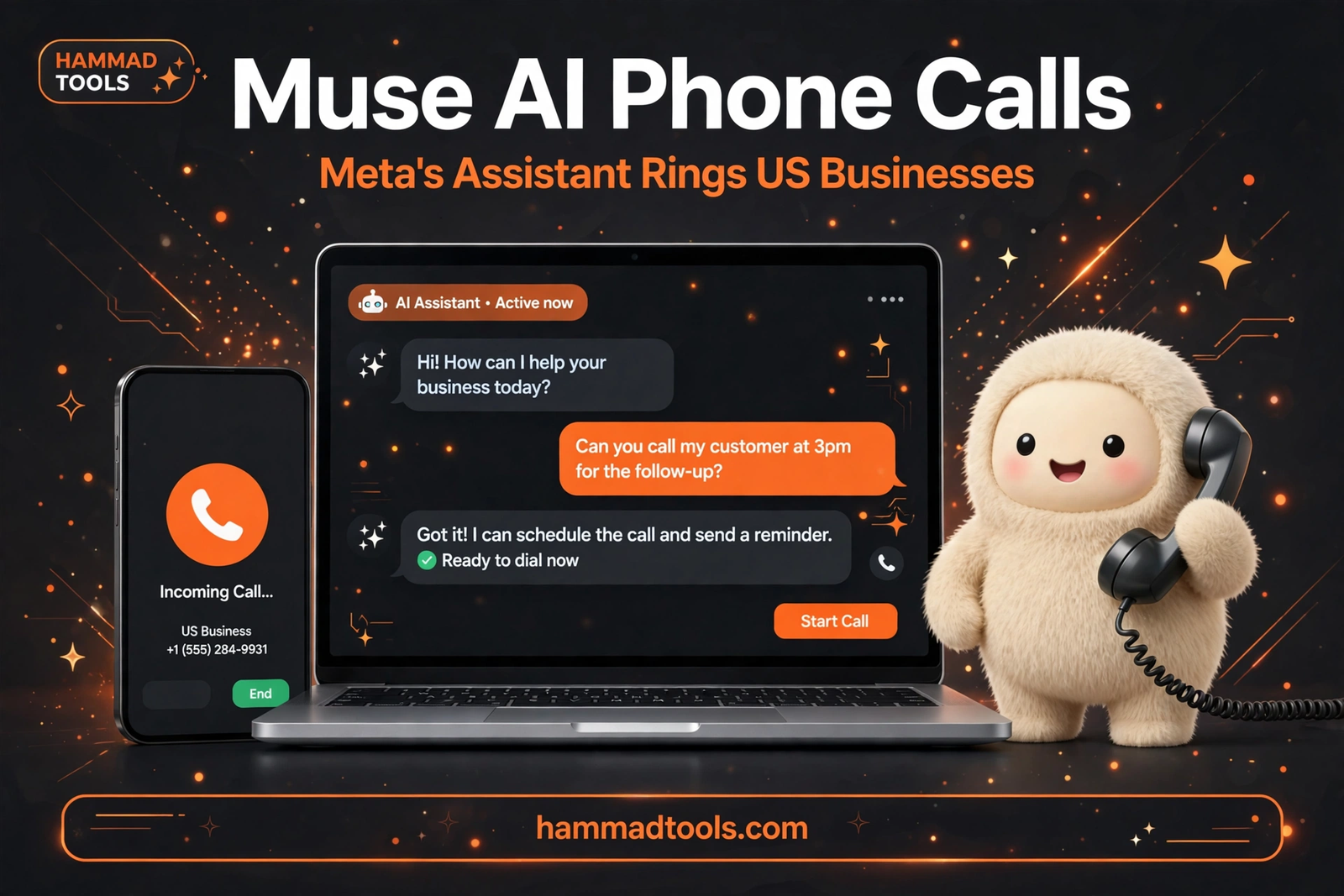
For years, asking a chatbot for help ended the same way: it gave you an answer, and you did the work yourself. On 17 November 2026, Google expanded Gemini Tasks — a mode that turns its AI assistant from a talker into a doer — and made it free for hundreds of millions of people. Flip a toggle inside the Gemini app, describe what needs doing, and Gemini goes off and does it: calling a business, booking an appointment, even paying for something.
What Gemini Tasks actually does
Tasks is a switch inside Gemini, not a separate app. With the toggle set to Chat, Gemini behaves the way most people know it: you ask, it answers. Flip it to Tasks, and the same app starts acting on your behalf — calling businesses, booking appointments, completing purchases through Google Pay, and signing into websites via the new Google Password Manager integration. It connects with more than 60 popular apps.
Tasks began in May as Gemini Spark, for a small group of testers, then reached Google AI Ultra subscribers. What changed this week is scale: it now rolls out free to hundreds of millions of people on Google's new Gemini 4 Hydrogen model, across the US, Japan, Korea, Canada, Australia and India.
How to switch it on
Open Gemini, flip the home-screen toggle from Chat to Task, and describe what you need done. In the US you can also forward emails to gemini@google.com, and Gemini reads them and puts the dates on your calendar, or text Gemini after setting it up under Settings, then Channels. The rollout is gradual, so the toggle may not appear everywhere on day one.
The minivan test: what Google showed it doing
Google's announcement leans on one real example, told by Josh Woodward, VP of Gemini. His family's minivan was overdue for a service appointment, so he told Gemini to call the two nearest dealerships and find an early Friday morning slot. Because Gemini already knew the family drives a 2019 Honda Odyssey and where they live, it found the nearest shops on Google Maps and called both at once. Nobody sat through hold music; Gemini found a free time in Woodward's calendar and booked the appointment in five minutes. It disclosed that it is an AI, and businesses can opt out whenever they want.
The second example involves money. A surprise $389 electric bill arrived, and Gemini was given access to the utility portal and asked to analyse past billing statements from email. It found the culprit: the household's heat pump was kicking on around 4 p.m., at peak pricing. For a holiday trip, Gemini compared USB-C chargers, checked out with Google Pay, and found a discount code that saved an extra $10.
Paying with AP2, spending caps and your card perks
Purchases run on the Agent Payments Protocol, or AP2, built for agent checkout. Google is working with American Express (coming soon), Mastercard and Visa, and payments use digital tokens rather than the real card number. Your card's points, cashback and purchase protections still apply, and receipts land in Google Wallet, which is expanding to iOS.
Two controls matter. You can set a hard spending cap up front, and Gemini is designed to stay within it. And Gemini is designed to ask for your confirmation before clicking "Buy", and to ask clarifying questions when an instruction is ambiguous. Routine jobs you already trust can be set to "Always allow".
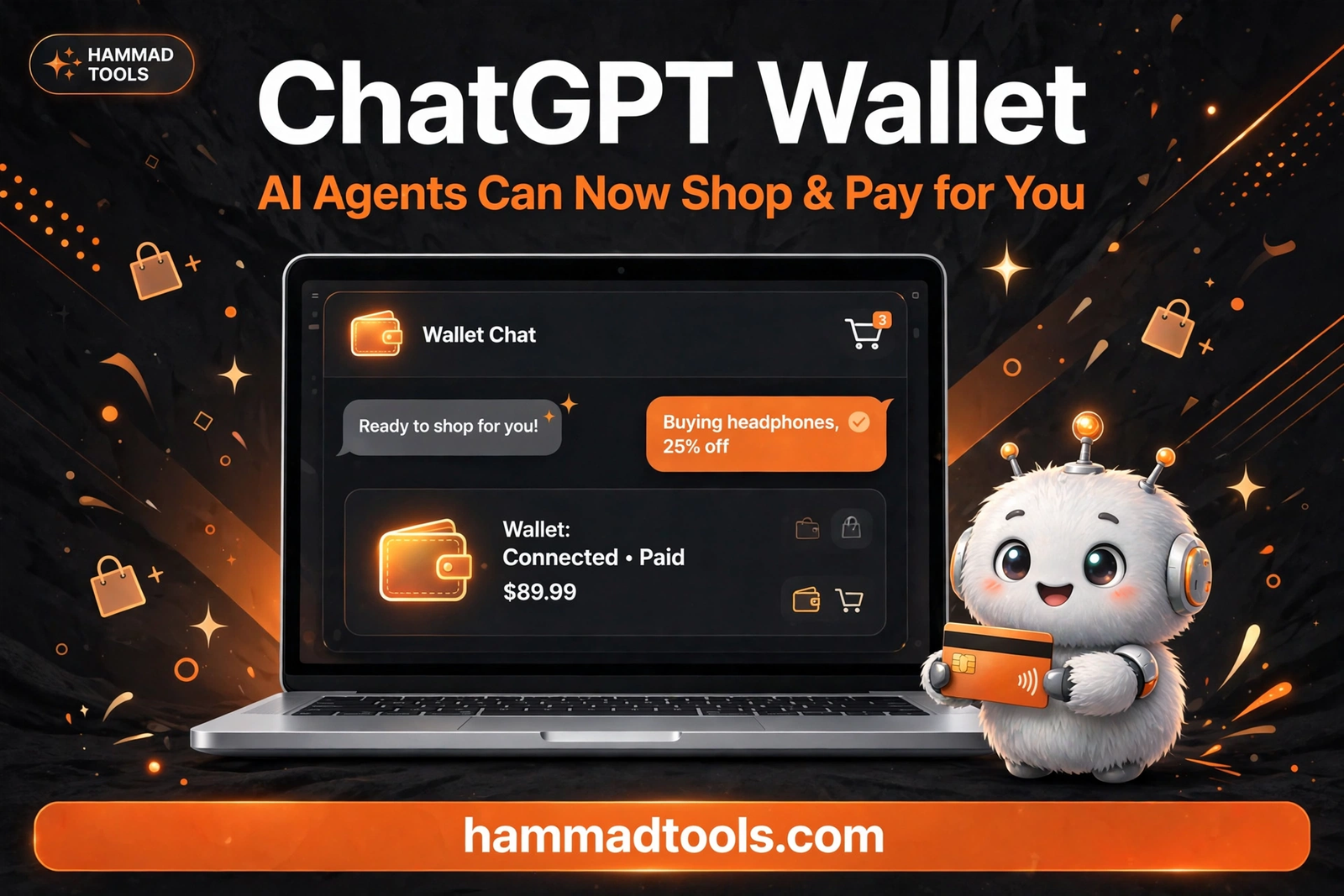
The parallel with OpenAI is hard to miss. OpenAI launched ChatGPT Wallet on 13 November, letting its own agents pay with a tokenised card after biometric approval. Google answers with the same ingredients — tokens, card-network partners, user approval — but with a head start: its assistant already lives inside the ecosystem where most people's email, calendar, passwords and payment cards already sit.
The safety net: isolated machines and a pause before Buy
Handing an AI your payment details and passwords is a bigger ask than handing it a question. When you assign Gemini a task, it works inside Google Cloud's Agent Compute Engine: a hardware-isolated virtual machine dedicated to your account, never shared with other users, and regularly tested by Google's security red teams. Prompt-injection filters scan search results and web pages, alongside Google Safe Browsing, to limit which links Gemini can open.
Google is unusually candid about the limits, though. It has tested tasks extensively to minimise mistakes, but has not eliminated all of them: a task can fail or miss the mark. On some websites, Gemini gets most of the way through and hands the screen back so you can click the final button yourself.
Who gets it — and the catch
The free rollout covers six countries: the US, Japan, Korea, Canada, Australia and India. The advanced features start in the US first. Everyone else waits, with no timetable given for the rest of the world.
There is a second catch. Tasks is only as good as the access you give it: Gmail for the bills, Calendar for the appointments, Password Manager for the logins, Google Pay for the checkout. If your data lives elsewhere, the assistant has less to work with — and the pitch that your sensitive data "already lives at Google securely" cuts both ways.
What this means for everyday AI
ChatGPT Wallet showed that AI agents can now pay. Gemini Tasks shows that the bigger race is over who does the errand, not just who finds the product. A chatbot that books the appointment, sits on hold and pays the bill is a different kind of product from one that writes a nice email about it.
Whether people trust it is the open question. The technology is ready enough to demo on a minivan and a $389 bill. The habit — letting an agent spend your money and speak for you on the phone — will take longer. Google's answer: a free toggle, capped spending, and a mandatory confirmation step.