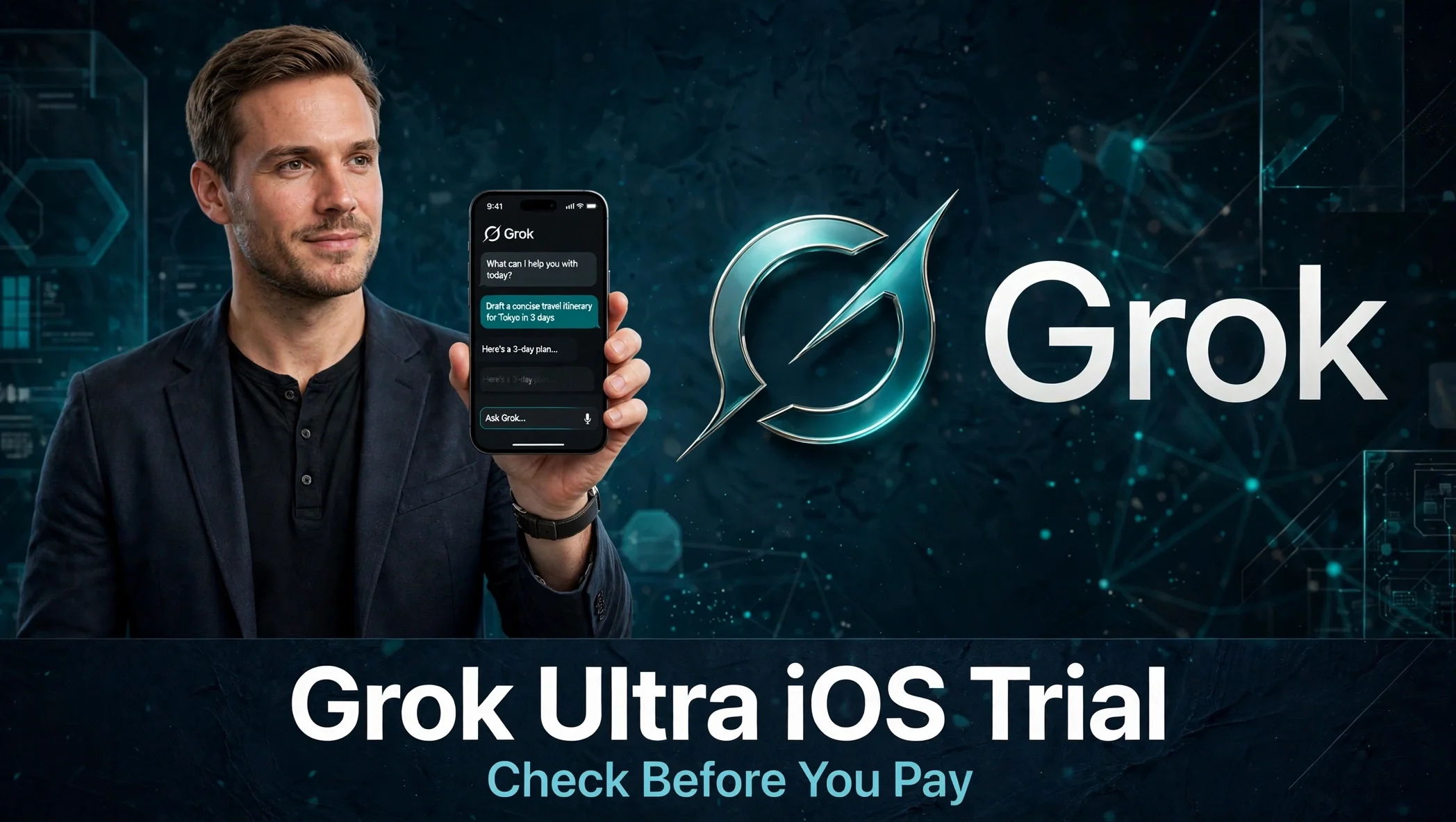
A post going around social media says iOS users can get Grok Ultra free for one month by changing their Apple Account region to the United States, downloading the Grok app, signing in, tapping subscriptions, seeing a $0 trial, and adding a payment card. That is a claim, not a confirmed guarantee for every iOS user, account, or region.
Do not treat a screenshot or viral post as proof. The only offer that matters is the one on your own subscription screen, in full, before you confirm anything.
If you start a trial, cancel it before the trial ends if you do not want to be charged. An offer that is not cancelled normally turns into a paid subscription automatically. Set a reminder at least a day before the end date on your screen, and after cancelling, check that the subscription shows an expiry date rather than a renewal date.
The claim going around
The circulating version is confident: switch region, install Grok, sign in, open subscriptions, look for a $0 trial, add a card, and enjoy Ultra. It also warns readers to remove the card before the trial ends.
Each step can behave differently by account. Eligibility for an introductory offer is commonly tied to the account and subscription group, and the same app can show different offers to different users. This article therefore turns those steps into checks, not a guaranteed trick.
What Grok Ultra normally costs
Context explains why the claim deserves a second look. Under xAI's X Subscription pricing reported in October 2026, Ultra was listed at $200 per month, before tax. Checkout prices can vary by country, currency, and tax rules.
A genuine introductory offer would be a large discount from that list price. If your screen does not clearly show a trial, a trial length, and a renewal price, do not assume the discount exists. If it shows a different plan, price, or no trial, that screen is the answer for your account.
Grok Ultra: kya benefits hain, aur is se kya kuch kar sakte hain
Ultra is the top tier in xAI's X Subscription, so it is positioned for heavy users, not casual chat. Reported October 2026 plan details (check your own plan screen for the exact wording on your account) describe it as including everything in the lower tiers, with the largest included usage pool — described as 50x the Plus tier's pool — plus priority model access at peak times.
In practical terms, that means you can do more of what Grok already does, with less chance of hitting a limit mid-task:
Chat and research: ask longer, multi-step questions, summarise long documents and PDFs, compare options, draft emails, posts and scripts, and brainstorm ideas in one conversation.
Voice and image/video: use voice chat, generate images, and use video generation features where your plan screen lists them — these are part of the Grok app's paid feature set, not the free tier's limited access.
Agent-style tasks: use Grok's agent / Grok Bot features for multi-step work, such as researching a topic, drafting a plan, and refining it, rather than one short answer at a time.
Coding help through Cursor: because the X Subscription bundles Cursor, Ultra also covers coding-agent help — explaining code, drafting functions, debugging and reviewing changes — within the same weekly usage pool.
X Premium perks: the bundle also lists X Premium benefits, so the same subscription covers premium features on X, not just the Grok app.
Two honest limits to keep in mind. First, xAI publishes usage as multiples of the Plus tier, not as a fixed number of messages, so no article can honestly promise an exact message count for your account. Second, a trial does not change what Ultra is for: if you only ask a few questions a day, the free tier or a lower tier may already be enough, and Ultra's value only shows up with heavy, daily use. Check the plan screen for which models, features and limits are listed for Ultra on your account before you decide the trial is worth the renewal price.
How to check the offer on your iPhone
Sign in to the account you actually want to use, since the subscription will belong to that account. Then open the subscription or upgrade option and read the whole screen slowly.
Check the plan name first. Is it really Ultra, or a lower tier with a similar name? Check the trial wording: does it say free or $0, and what is the exact trial length in days? Note the start and end dates. Then find the renewal price and renewal date. This is the most important line on the screen, because it tells you what you will pay, and when, if you do nothing. If that price is missing or unclear, do not confirm.
Also check eligibility wording: some offers are limited to new subscribers or to one introductory offer per subscription group. Screenshot the full offer screen before confirming. Only after these checks match should you consider adding a payment method, since that is what makes automatic renewal possible.
The region-change risk
Changing an Apple Account region is not a small setting change. Apple generally expects a payment method and billing address matching the new region, and a change can affect existing subscriptions, purchases, and App Store content. Some items tied to your old region may not carry over cleanly, and switching back may not restore everything immediately. Before changing regions for one app offer, check what you already pay for through Apple. A region change also does not guarantee an offer: you may still see no trial, a shorter trial, or a different plan.
How to cancel before renewal
If you start a trial and do not want it to renew, cancel in iOS Settings, not by deleting the app. Deleting the Grok app does not cancel a subscription.
On an iPhone, go to Settings, then your name at the top, then Subscriptions. Tap the Grok subscription, tap Cancel Subscription or Cancel Free Trial, and confirm. Then check the same entry again: if it shows an expiry date instead of a renewal date, auto-renewal is off. If it still shows a renewal date, it has not been cancelled.
Cancel at least 24 hours before the trial ends, since a late cancellation may not stop the next charge. Note that cancelling a free trial can end access immediately for some services, so read the confirmation on your screen. If there is no Cancel button, auto-renewal is usually already off, the trial has ended, or the subscription was bought outside the App Store.
FAQ: what is confirmed and what is not
Is Grok Ultra free for one month for all iOS users? No, that is not confirmed. Research on 1 November 2026 did not confirm a guaranteed one-month free Ultra trial for iOS users generally. Treat it as unverified until your own screen shows it.
Is Ultra normally an expensive plan? Yes, in context. Reported October 2026 X Subscription pricing listed Ultra at $200 per month, before tax.
Can App Store offers differ by account and region? Yes. Introductory offers commonly vary by eligibility, account history, and region, and they become paid subscriptions unless cancelled.
Does changing my region to the United States unlock the offer? Not confirmed. A region change may change what the App Store shows, but it carries account risks and does not guarantee a trial, a length, or a plan.
What if my screen shows no trial, a shorter trial, or a different price? Then that is your offer. None of those outcomes should be described as a guaranteed free month.
Bottom line: a checklist before you pay
Check the plan name, trial length, $0 wording, renewal price, and renewal date on your own screen. Understand the region-change risks first. Screenshot the offer. If you start a trial, cancel before it ends unless you have decided to pay Ultra's normal renewal price. If your screen does not show a clear one-month free Ultra trial, then for your account, that offer does not exist.